
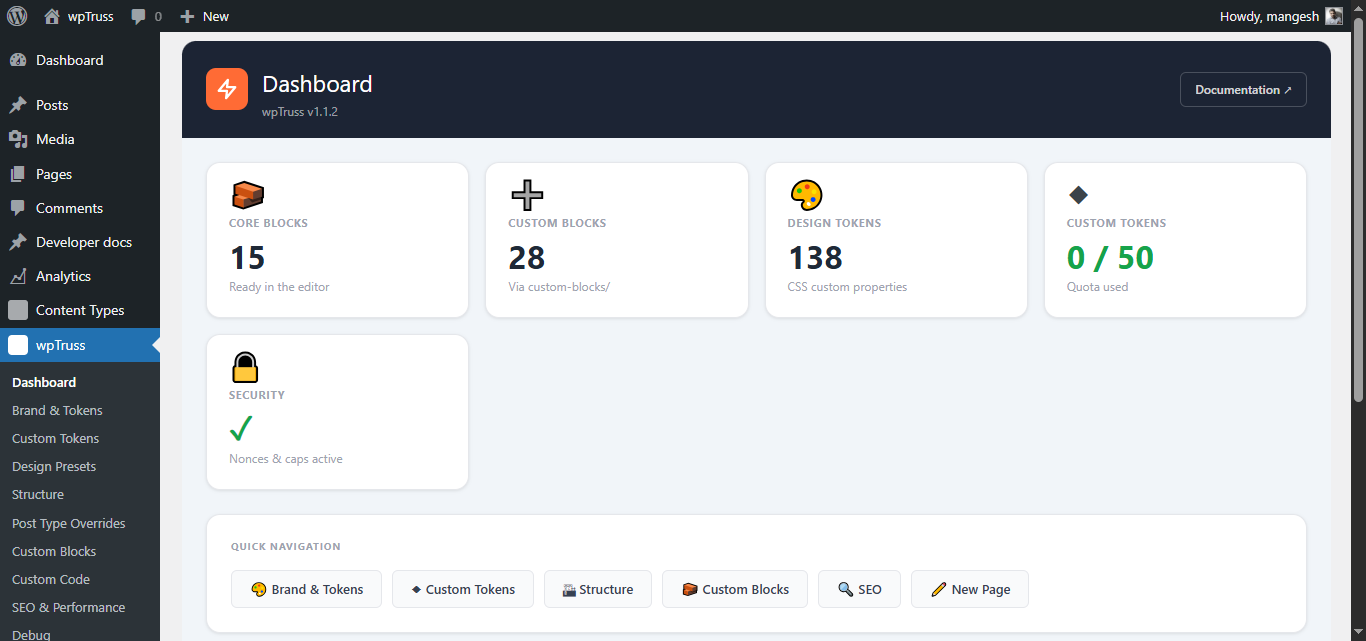
wpTruss is a WordPress plugin that lets you build, install, and manage custom Gutenberg blocks without a traditional build pipeline. Blocks are uploaded as ZIP files and registered dynamically. No webpack, no npm is required to run a block, only to develop shared components in the plugin core itself.
This documentation covers every system a block developer needs to understand. Start here for context, then read each chapter for the detail you need.
What Makes wpTruss Different
Standard Gutenberg block development requires a build step (webpack, npm scripts) to transpile JSX and bundle dependencies. wpTruss blocks skip that requirement entirely. Block editor JavaScript is written in plain IIFE-style ES5, loaded by WordPress’s native script dependency system. This means:
- Blocks work on any shared hosting environment
- No local development toolchain required to run a block
- Dependencies are declared in
index.asset.phpand loaded by WordPress in the correct order - The block folder is a flat set of 4–5 files, zip it and upload
The Five Core Systems
wpTruss is built from five interlocking systems. Every block developer should understand what each one does and where it lives.
System 1: Panel Registry (wptPanelRegistry). A PHP-managed configuration store that defines the available options for three shared inspector panels: Structure, Spacing, and Layout. Blocks opt in via wptPanels in block.json. The registry is the single source of truth for shared field options, change an option once in the admin and every opted-in block inherits it.
System 2: Element Registry (window.wptElements). A JavaScript runtime registry of 18 shared UI component definitions. Elements are things like heading, button, description, badge. Each element defines the controls and defaults that govern how that component looks across every block that uses it. A four-layer cascade resolves the correct value for any control, block instance override, user default, system default, CSS fallback.
System 3: Design Token System (--wpt-*). 141 CSS custom properties injected into :root on both the frontend and the editor iframe. All block CSS uses these tokens, never hardcoded values. When an admin changes a brand colour, every block that references that token updates automatically.
System 4: Block Validator. A PHP class that runs governance checks against every uploaded block before WordPress registers it. Blocks that fail hard rules are rejected. Blocks with only warnings are registered but flagged in the debug panel.
System 5: Manifest / Marketplace. An optional manifest.json file in a registry/ subfolder that describes the block to the wpTruss marketplace. Covers category, intent, composition rules, AI fill permissions, and schema support. Never deployed to user sites.
How a Block Gets Loaded
Understanding the load sequence prevents most block development mistakes.
- Admin uploads a block ZIP via Custom Blocks → Blocks tab. wpTruss extracts it into
custom-blocks/{slug}/. - On
init,wpTrussBlockRegistryscanscustom-blocks/and callsregisterblocktype()for every folder containing a validblock.json. The block validator runs first, failures stop registration. - On
enqueueblockeditor_assets, wpTruss enqueues:
– wpt-element-registry (the cascade resolver: src/elements.js) – All element JS files declared as dependencies in the block’s index.asset.php – wpt-element-validator (validates loaded element definitions on DOMContentLoaded) – The block’s own index.js
- Before the block editor renders,
window.wptElementDefscontains all loaded element definitions andwindow.wptElementsexposes the four API functions blocks call. - The block’s
edit()function callswindow.wptElements.buildElementClasses()to resolve element modifier classes, then renders the inspector panels and canvas preview. - On the frontend,
render.phpruns on every page request. It reads$attributes, callswptrussresolveclasses()for utility classes, and outputs the server-rendered HTML.
Naming Conventions
wpTruss uses consistent prefixes across JS, PHP, and CSS. This is the complete reference:
| Context | Prefix | Example |
|---|---|---|
| CSS custom properties (design tokens) | --wpt- |
--wpt-color-primary |
| CSS class names | wpt- |
wpt-btn--color-primary |
| Block BEM root class | wpt-{slug} |
wpt-feature-card |
| Block-local CSS custom properties | --wpt-{slug}- |
--wpt-feature-card-padding |
| JavaScript globals | window.wpt* |
window.wptElements |
| Element definition global | window.wptElementDefs |
window.wptElementDefs.heading |
| PHP class names | wpTruss_ |
wpTrussBlockValidator |
| PHP option / hook prefixes | wptruss_ |
wptrusspanelregistry |
| Script handles | wpt- |
wpt-element-heading |